
Gate YouTube videos behind email opt-in forms on your website
Turn video views into tagged, segmented email subscribers.
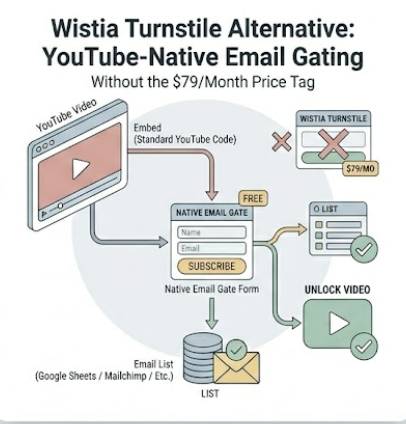
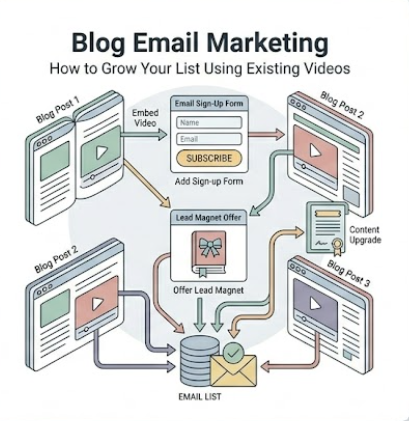
EmailPlay.io allows you to embed any YouTube video on your site with a customizable email capture form.
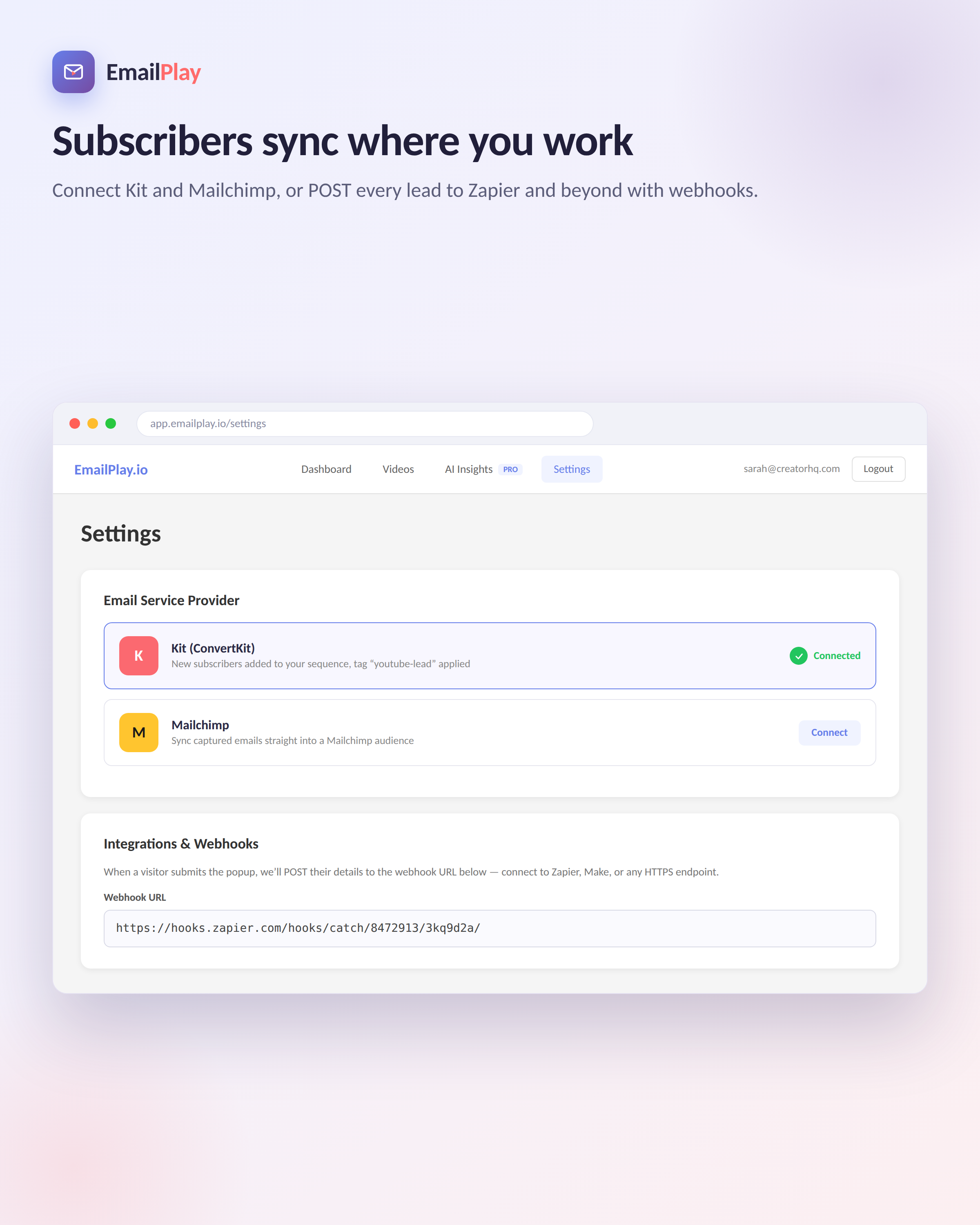
Every email is tagged with the video that earned it and sent straight to Kit, Mailchimp, or a webhook.
Your email list arrives segmented by interest, before you've written a single email.
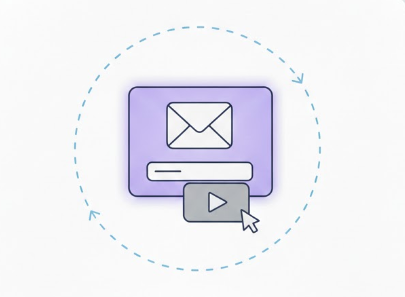
On-Click Video Popups
Capture emails when viewers click play on your embedded videos
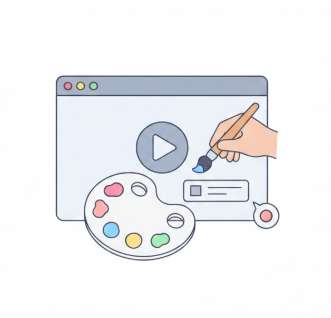
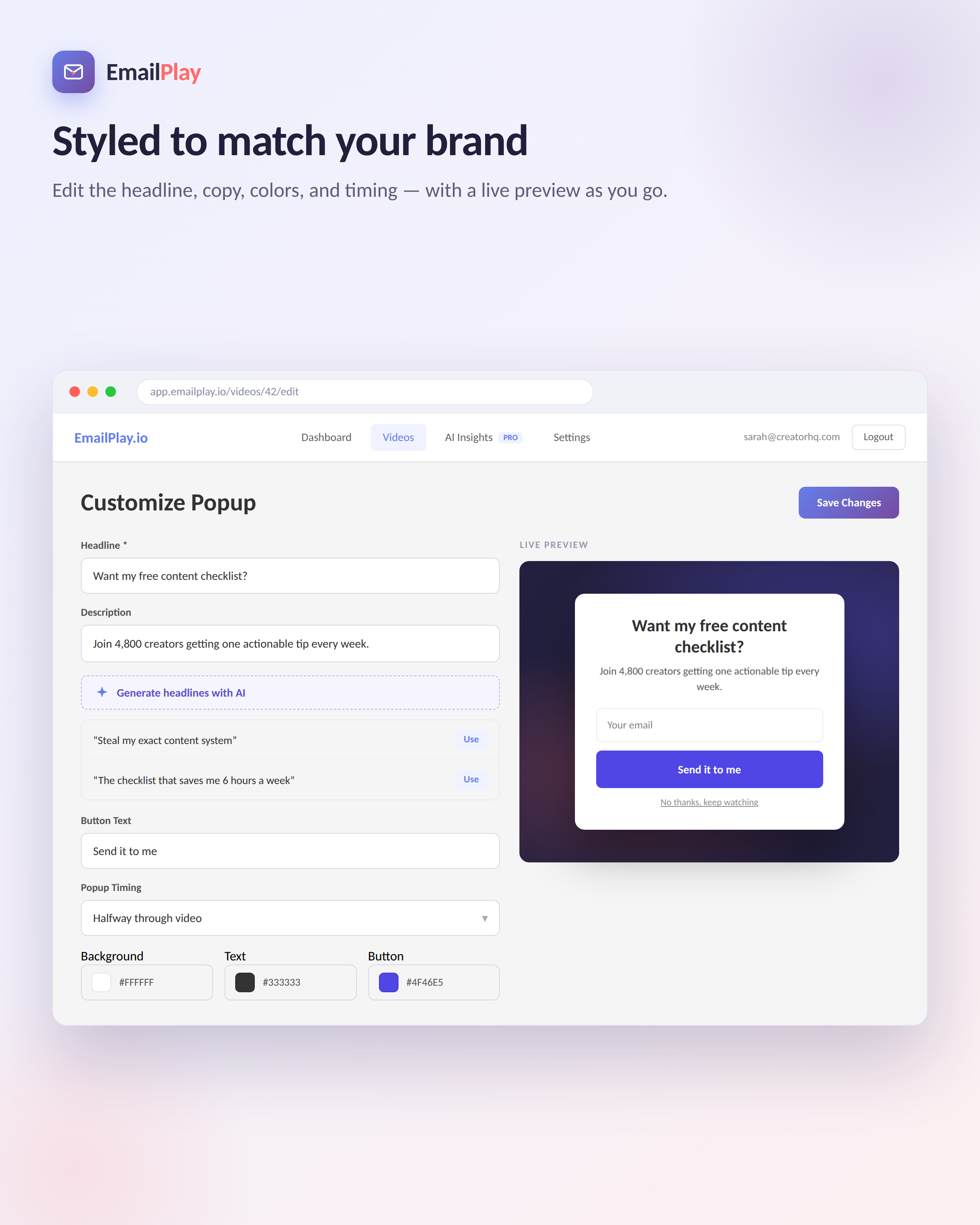
Customize
Customize colors, text, and styling to match your brand
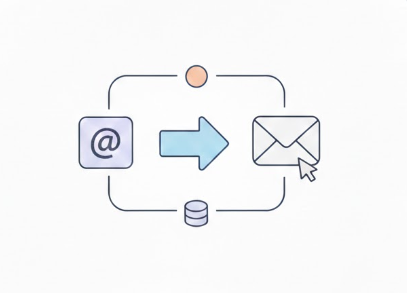

Integrations
Automatically sync subscribers and apply tags in Kit (ConvertKit) and MailChimp. Works with Zapier and Webhooks
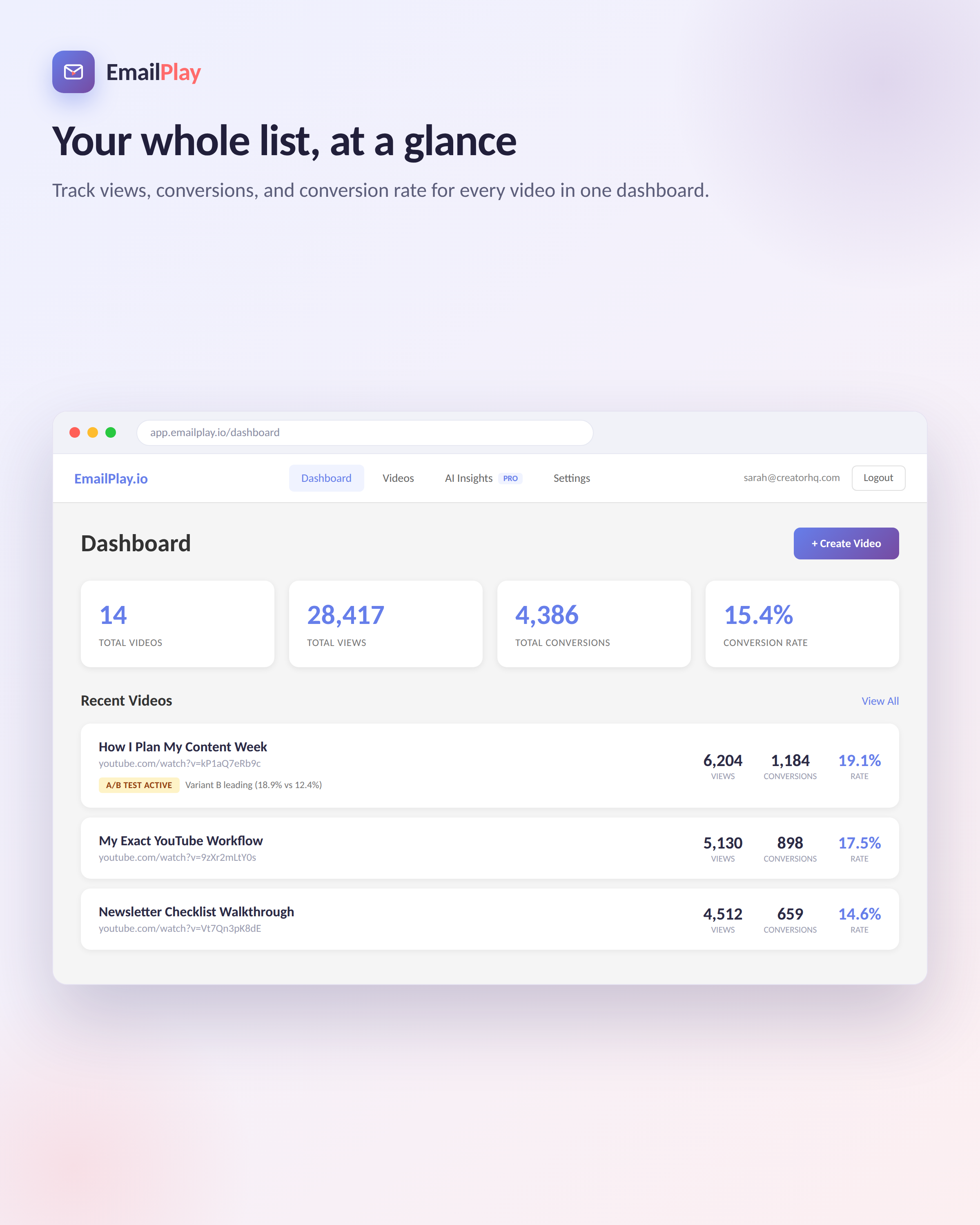
Analytics
Track views, conversions, and conversion rates in real-time
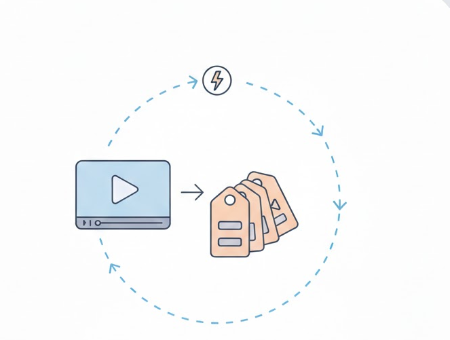
Auto Add Tags
Automatically tag video viewers in your email provider based on what videos they watched
Smart Cookies
Show popup once per visitor with automatic cookie management
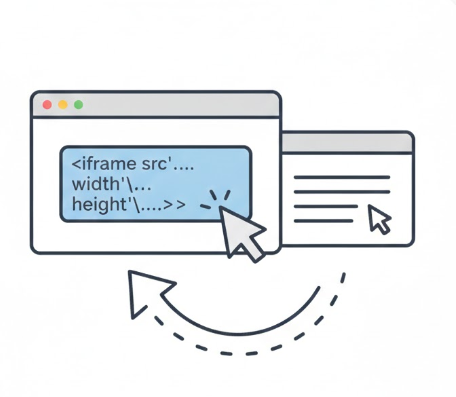
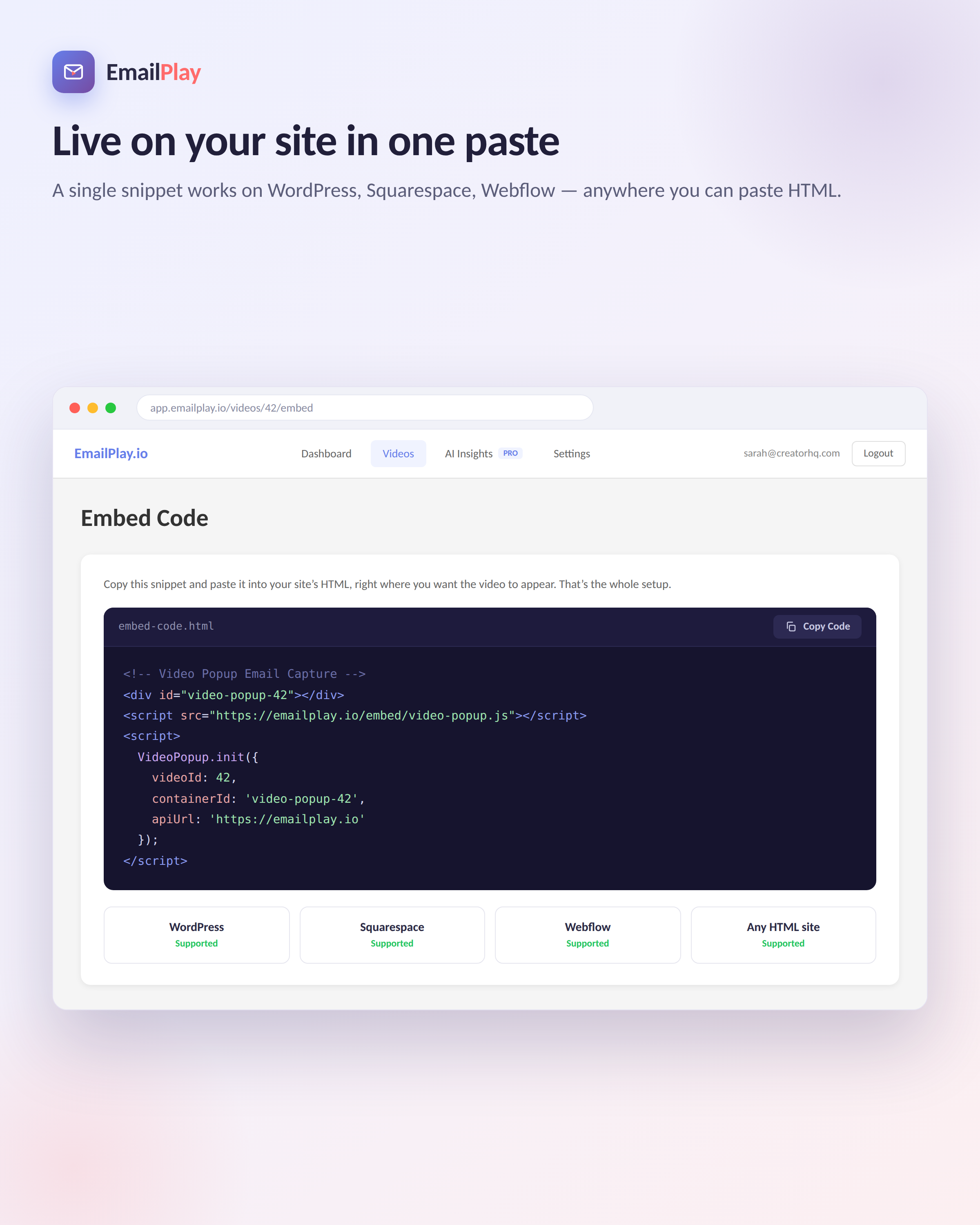
Simple Embed
Copy-paste embed code into any site or blog
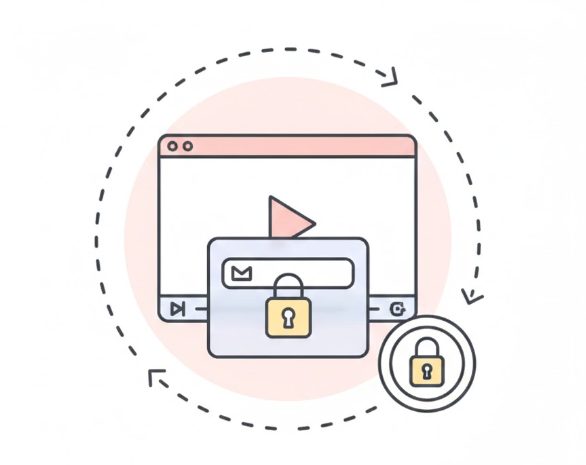
Gate Videos
Allow skips, or require emails to watch your content
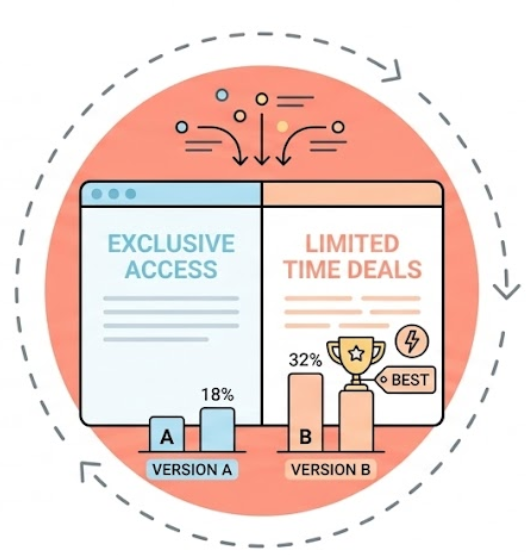
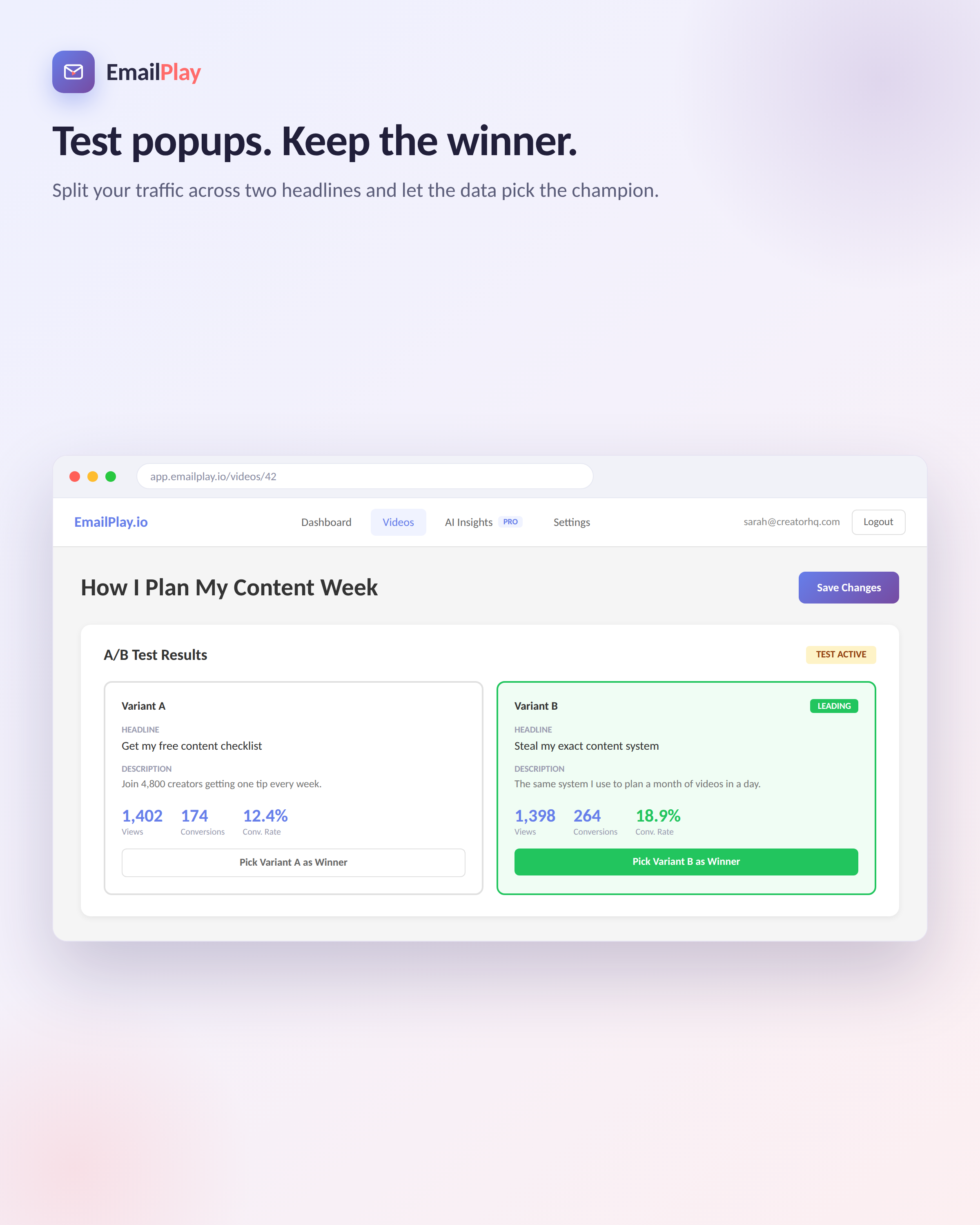
A/B Testing
Pro Tier only! Test your headlines, button text, and colors to see what converts best

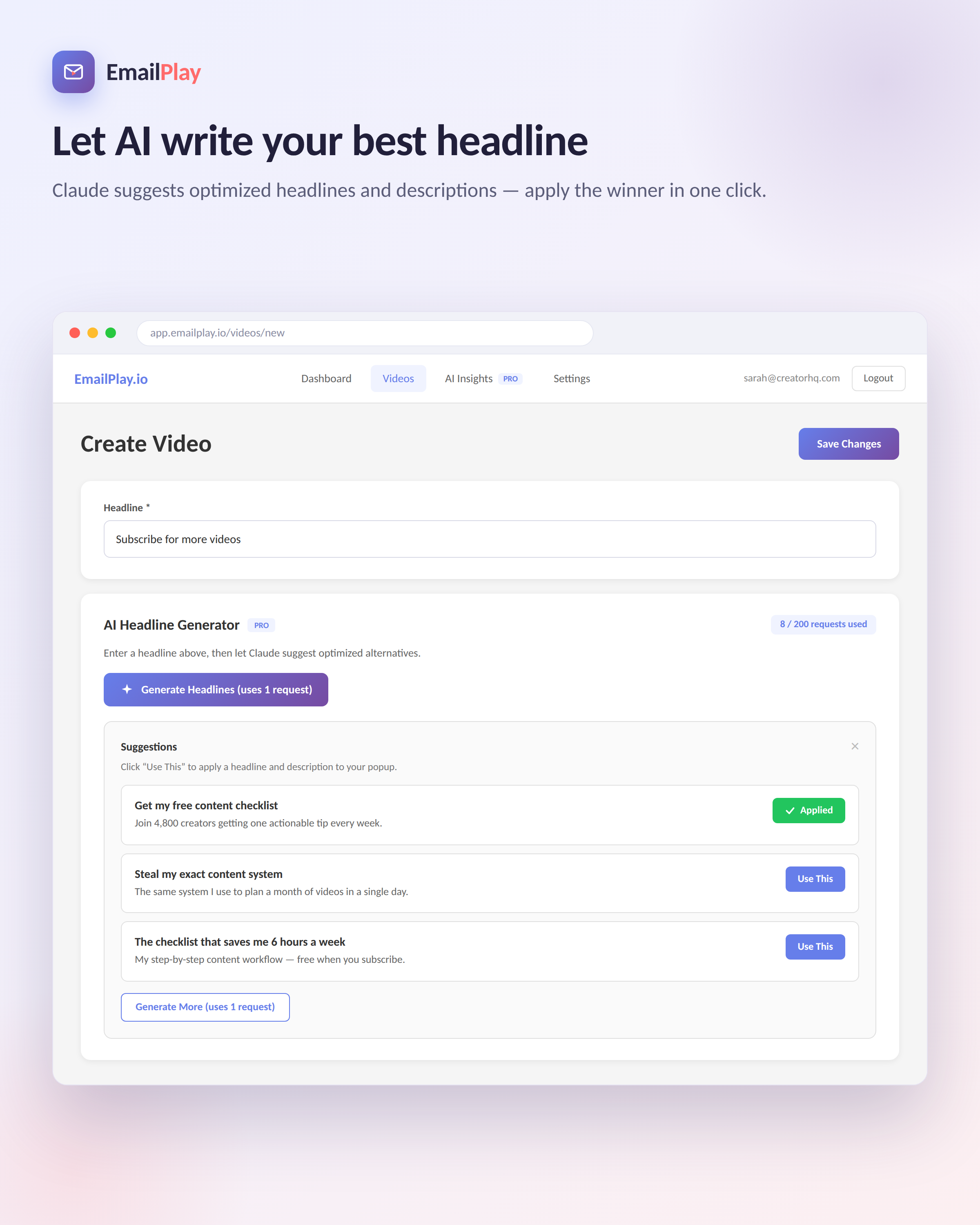
AI Popup Creation
Pro Tier only! Let Claude craft your popup

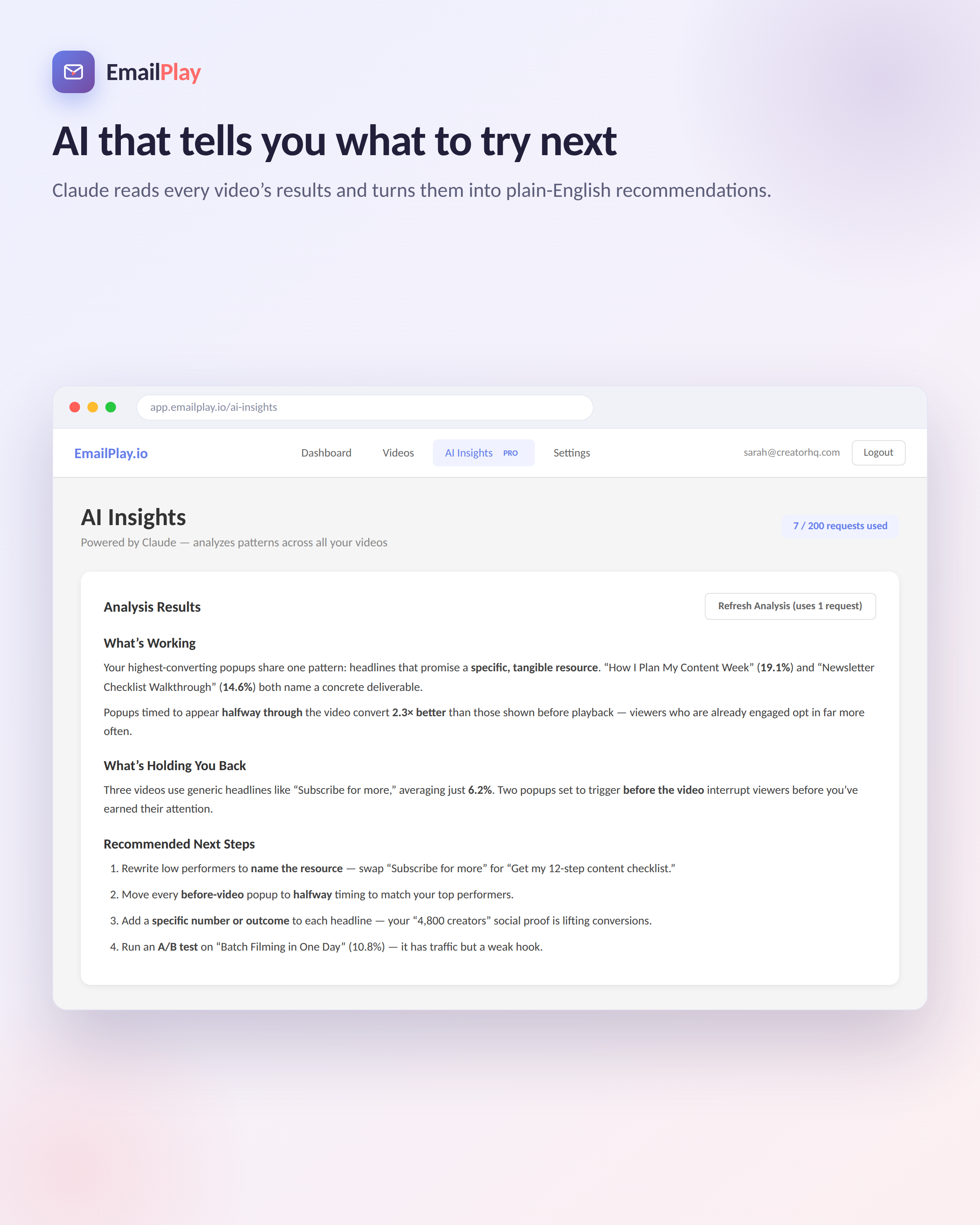
Advanced AI Insights
Pro Tier only! Let Claude analyze your conversion rates and suggest improvements
Who puts a gate on a video
People whose next customer is worth more than a click
Call the ones who watched past 4:00. They have the problem.
See Plans — Start Free TrialRoute these straight to your intake paralegal.
See Plans — Start Free TrialInvite this tag to the workshop. Nobody else.
See Plans — Start Free TrialPitch the paid course to whoever finished module 1.
See Plans — Start Free TrialBLOG - Case Studies, How-Tos, and More:
FAQs
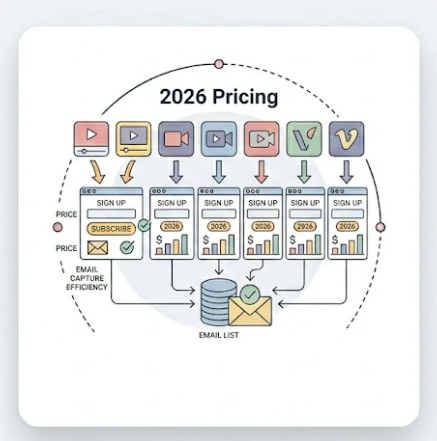
How Much Does EmailPlay Cost?
1
We offer a 7-day free trial to get started before paying a dollar. After that plans start as low as $10 per month, and increase as you get more views. See our Pricing Page for more.
How do I get started?
2
Getting started is simple. After registering, you can have your first video ready in less than 2 minutes. EmailPlay will provide you with a simple embed code to put on your website, then sit back and start collecting emails!
What email services do you work with?
3
Right now EmailPlay connects directly with Kit (ConvertKit) and MailChimp. EmailPlay also integrates with webhooks and Zapier.
How can I contact you?
4
You can reach us anytime via our contact page or email. We aim to respond quickly—usually within one business day.
More FAQs
Can I change plans later?
5
Yes! You can upgrade or downgrade your plan at any time from your dashboard. Upgrades take effect immediately.
What happens if I hit my view limit?
6
Your popups will pause for the rest of the month. You'll receive a notification at 80% usage so you can upgrade before you hit the limit.
How can I get more email subscribers?
7
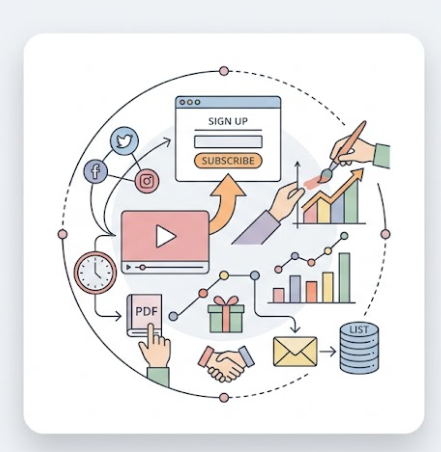
Read our blog to find recent case studies, tips, and tricks to maximize your email list growth with EmailPlay. Our analytics dashboard will help highlight popups that are converting. Pro tier has A/B Testing to help you find the headlines that connect with your audience.
So experiment, then watch your dashboard to see what is working.
Can I cancel if I’m not happy?
8
Yes. You can cancel at any time within your dashboard.